Forest Tower Puzzle Platformer
A Tower in the Forest is a free puzzle platformer where you use wind power to move structures and a parachute to glide. Explore a forest, solve puzzles, and enjoy a relaxing adventure suitable for all ages.
Reviews
Creative wind puzzles and smooth parachute gliding. A relaxing forest adventure for all ages.
About this game
Game Introduction
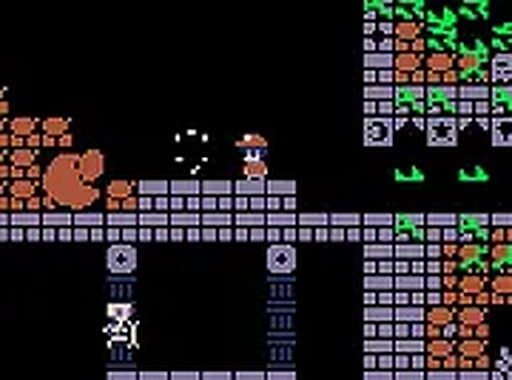
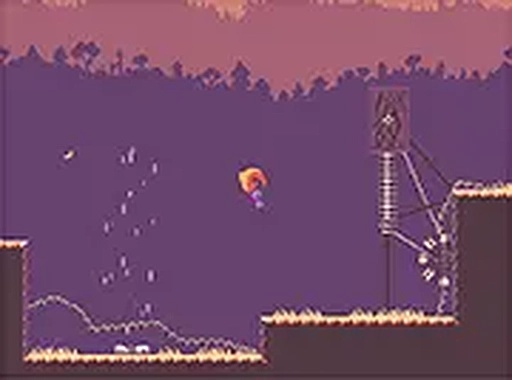
A Tower in the Forest is a free online puzzle platformer set in a lush forest environment. The core objective is to navigate a character through a mysterious tower and its surrounding woodland, solving puzzles to progress. What makes this game unique is its integration of wind mechanics and a parachute gliding system, which players use to manipulate the environment and safely descend from heights. Designed for desktop play, it offers a full-screen mode for an immersive experience. This family-friendly game is completely free to play and requires no downloads, making it accessible to anyone with a browser.
How to Play
Players control their character using a keyboard or mouse. The primary controls involve moving the character and interacting with the environment. To overcome obstacles, players can harness the force of the wind to move platforms and other elements, creating new paths. A key mechanic is the parachute, activated by pressing specific keys together, which allows the character to glide safely down from high places. The game is designed for desktop computers and can be played in full-screen mode for a more engaging experience. Simply launch the game in your browser and begin your adventure without any installations.
Game Features
Unique wind mechanics that let you move platforms and obstacles to solve puzzles. Interactive puzzles that challenge your problem-solving skills. Parachute gliding for safe descents from elevated areas. A beautiful forest setting with colorful graphics. Full-screen mode for an immersive experience. Completely free to play with no hidden costs or downloads required.
Tips for Success
Take time to observe the environment before acting; understanding how wind currents affect objects is key. Use the parachute early when falling to avoid taking damage. Experiment with moving different platforms to see how they interact. Practice controlling your character's movement and timing, as precision is often needed. If stuck, try approaching a puzzle from a different angle or revisiting an area you may have missed.
Compatibility
This H5 game runs smoothly on: • Desktop computers (Windows / Mac) • Mobile phones (iPhone / Android) • Tablets (iPad / Android) 🌐 Best experienced with Chrome, Safari, or Edge